
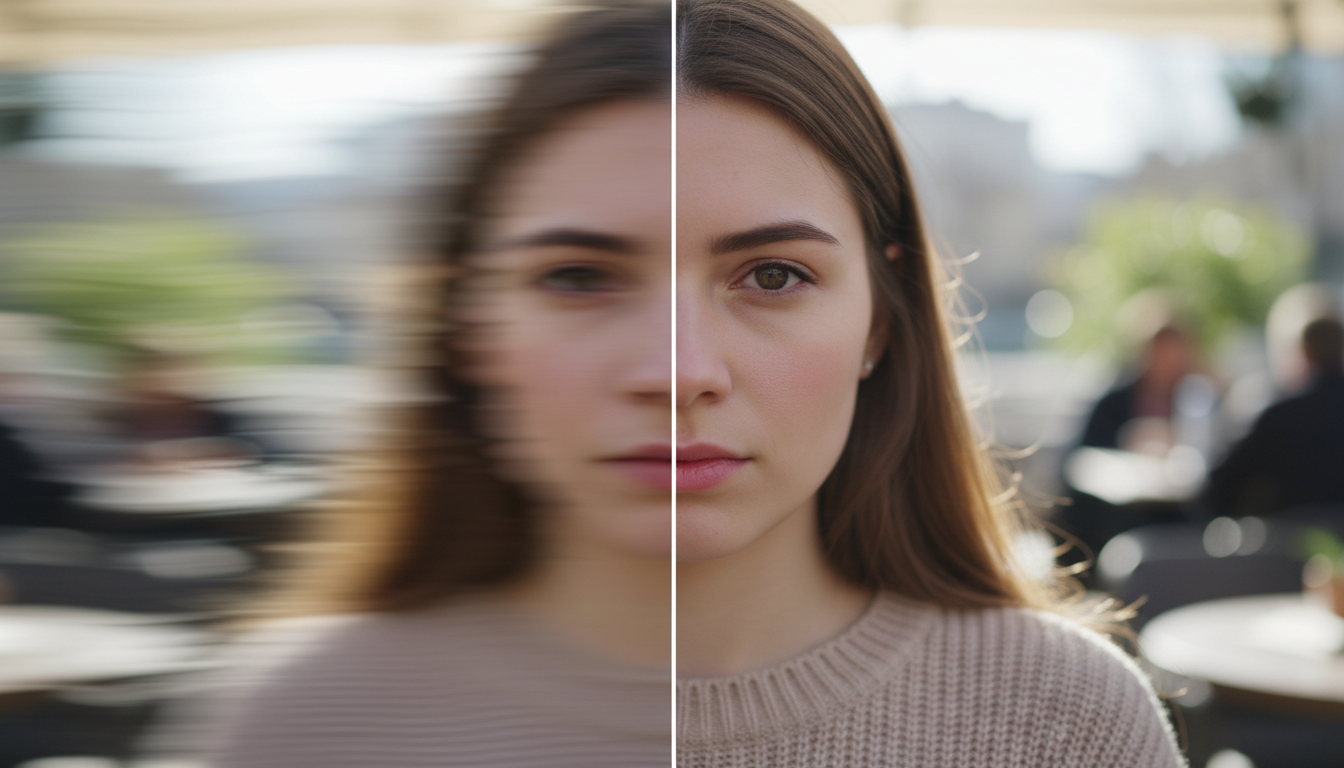
Short answer:
Most blurry photos are not caused by a bad camera. They happen because of camera shake, wrong focus, or soft editing.
Let’s fix those — step by step.
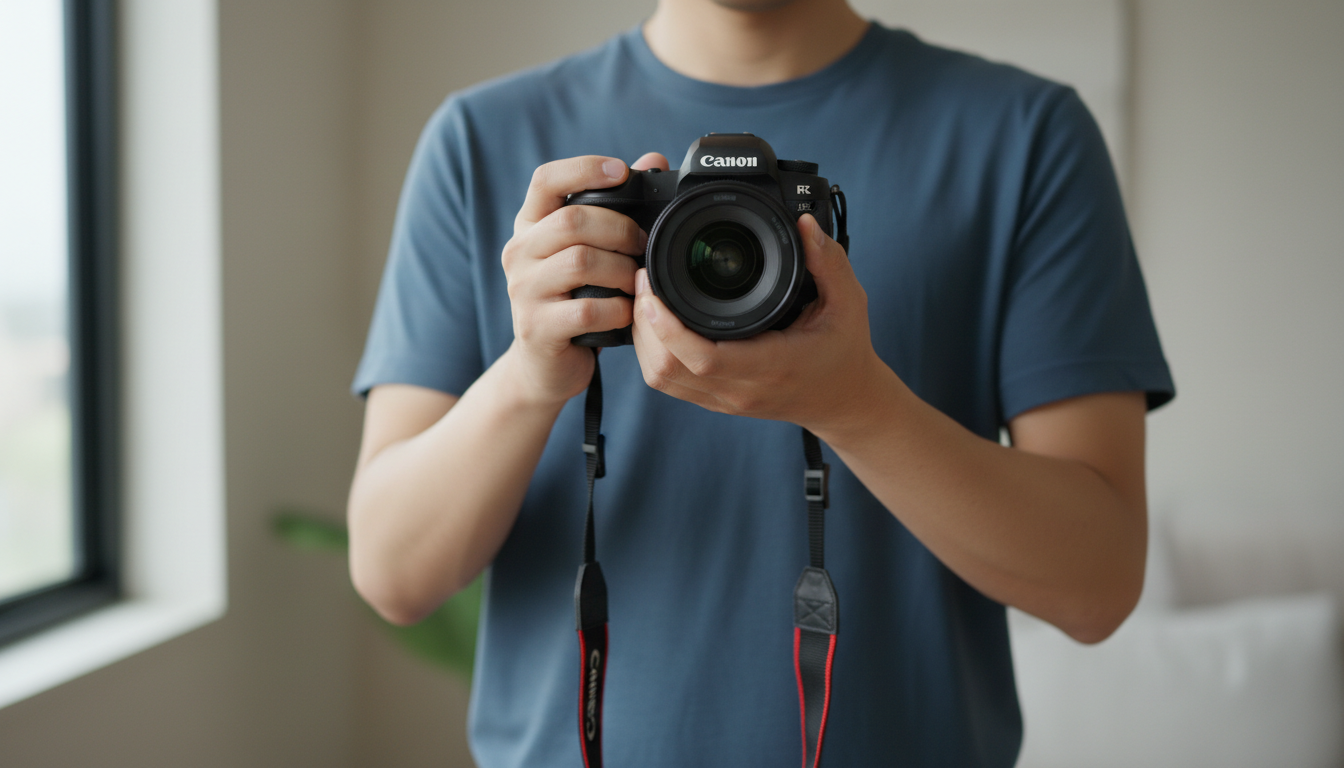
1. Hold the Camera Steady (This Matters More Than You Think)
Even tiny hand movement can make a photo look soft.
Do this:
-
Use both hands
-
Keep your elbows close to your body
-
Gently press the shutter (don’t jab it)
Better idea:
If you can, use a tripod or place the camera on a table or wall.
📌 This alone fixes a huge number of “blurry photo” problems.
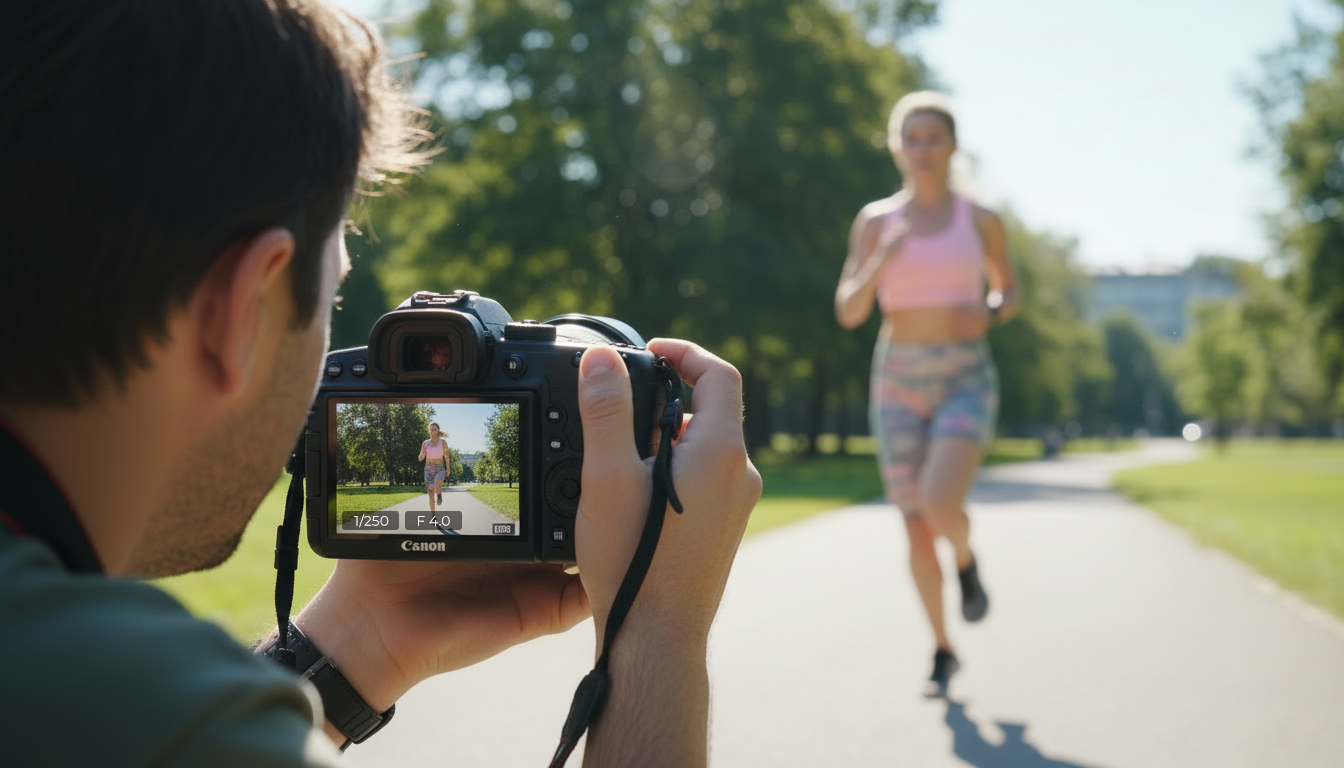
2. Use a Faster Shutter Speed
If the shutter is open too long, your hands move and the photo blurs.
Easy rule to remember:
Your shutter speed should be at least the same number as your lens.
Examples:
-
50mm lens → use 1/50 or faster
-
100mm lens → use 1/100 or faster
If people are moving, use even faster.
👉 I explain shutter speed in detail in What Camera Settings Actually Matter?.
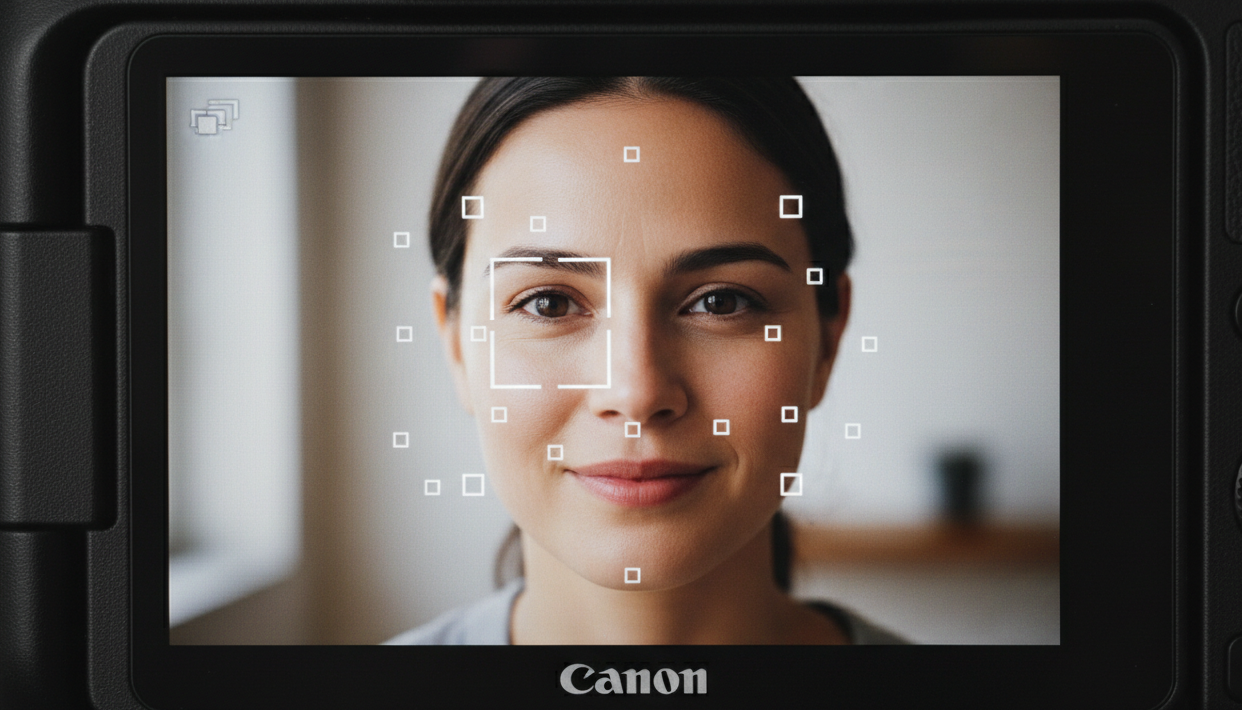
3. Make Sure the Camera Is Focusing on the Right Thing
Cameras don’t always focus where you want.
Common mistake:
The background is sharp, but the person isn’t.
Fix it:
-
Use single-point autofocus
-
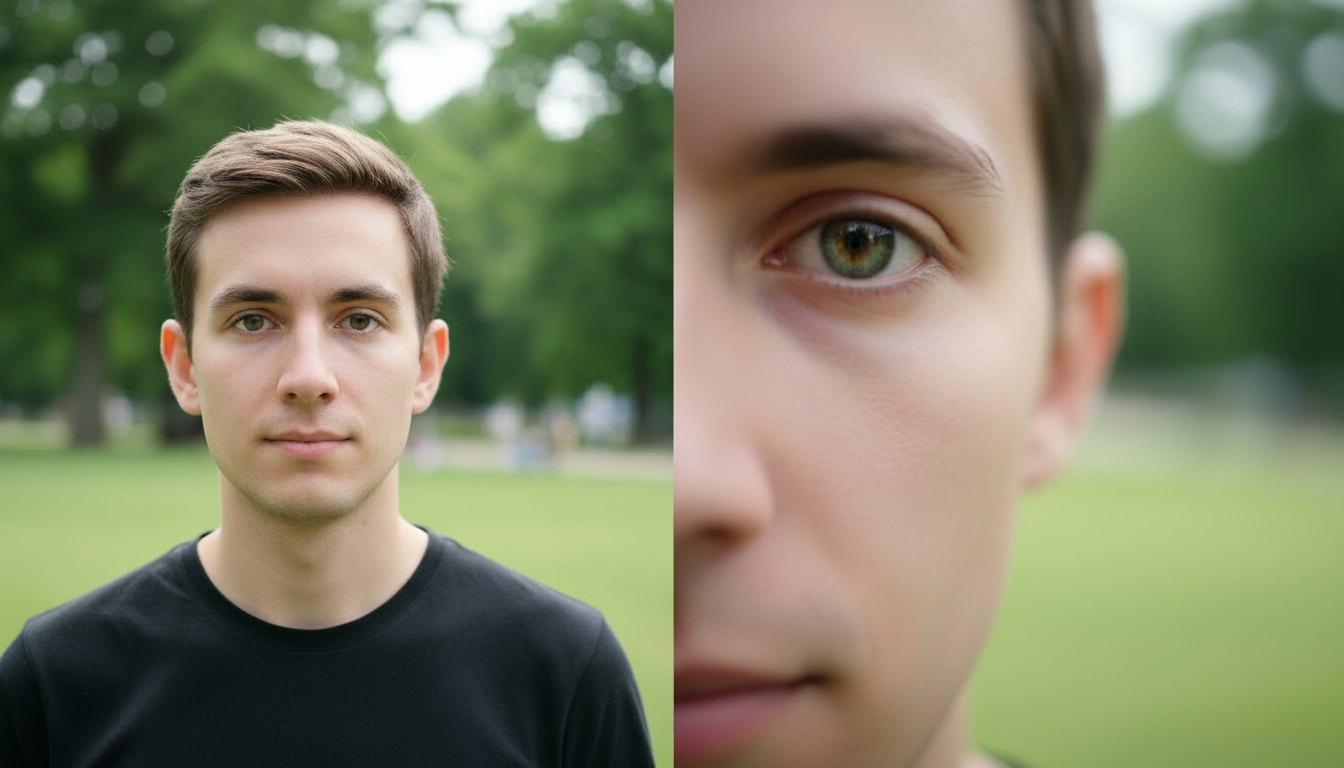
Place that point on the subject’s eye
-
Half-press to focus, then shoot
📌 Eyes should almost always be the sharpest part of the photo.
4. Don’t Shoot Wide Open All the Time
Big blurry backgrounds look nice — but shooting wide open can make photos soft.
If your lens is at:
-
f/1.8 → try f/2.8 or f/4
-
f/2.8 → try f/4
Most lenses are sharper when slightly stopped down. It is called the sweet spot of the lens, you can google this for your specific lens.
5. Clean Your Lens (Seriously)
This sounds silly — but it matters.
A dirty lens:
-
lowers contrast
-
reduces sharpness
-
creates haze
Quick fix:
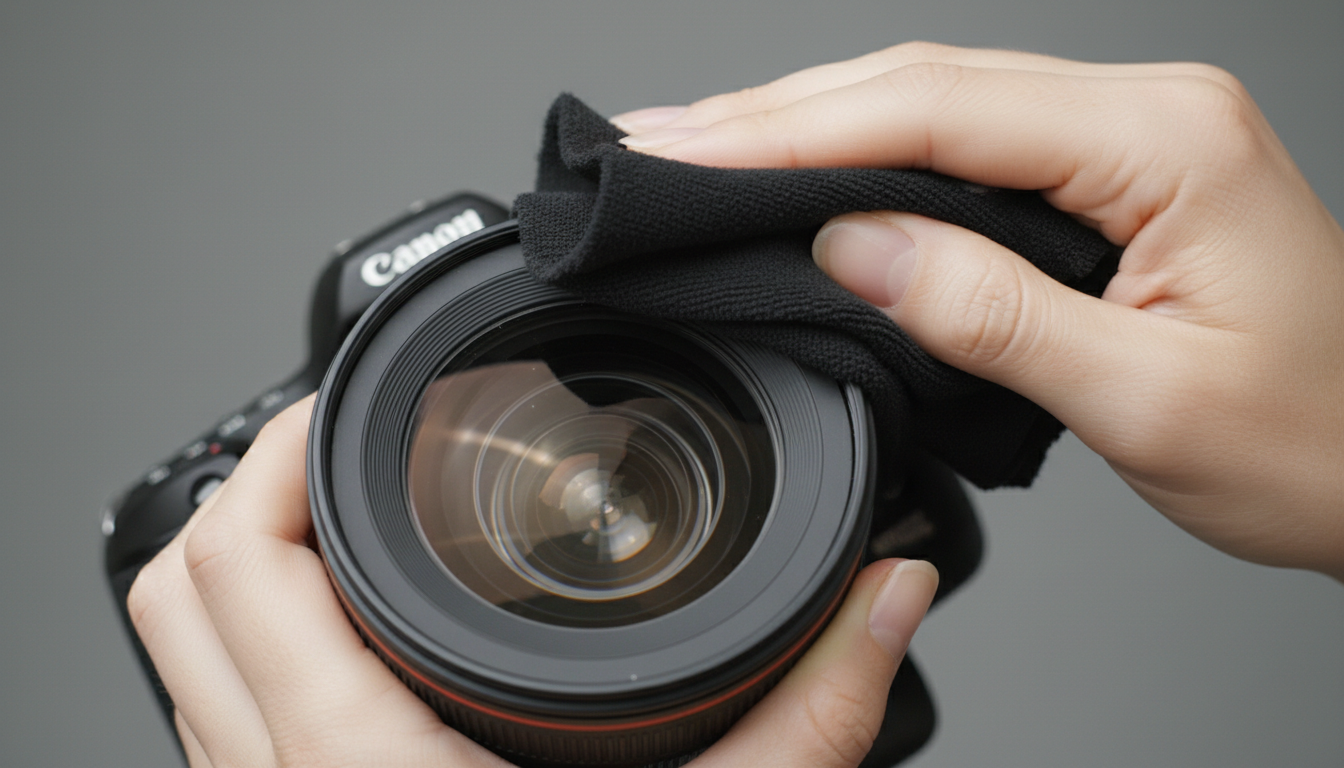
Wipe it gently with a microfiber cloth before shooting.
6. Add a Little Sharpening in Editing
All digital photos need some sharpening.
In Lightroom:
-
Amount: 40–60
-
Radius: 1.0
-
Masking: hold Alt/Option and drag until edges appear
⚠️ Too much sharpening makes photos look crunchy and ugly.

7. Light Matters More Than Camera Specs
Low light = slow shutter = blur.
Better light = sharper photos.
If you can:
-
Step closer to a window
-
Shoot outdoors
-
Add a small light source
📌 Sharp photos love good light.
The Big Truth
Sharp photos come from technique, not expensive cameras.
You can take sharp photos with:
-
old cameras
-
entry-level cameras
-
even phones
Once you control:
✔ steady hands
✔ shutter speed
✔ focus
✔ light
Your photos will look sharper immediately.




Leave A Comment